Does it send my data anywhere?
+
No. Everything you inspect or extract stays in your browser, with no account and no analytics. The one exception is Pro: when you buy or verify it, the email you paid with is checked against our payment provider, Stripe. Page content never leaves your machine.
What permissions does it need?
+
Only access to the active tab when you open it, so it can read the page's rendered styles. It never runs in the background and requests nothing else.
What's free vs Pro?
+
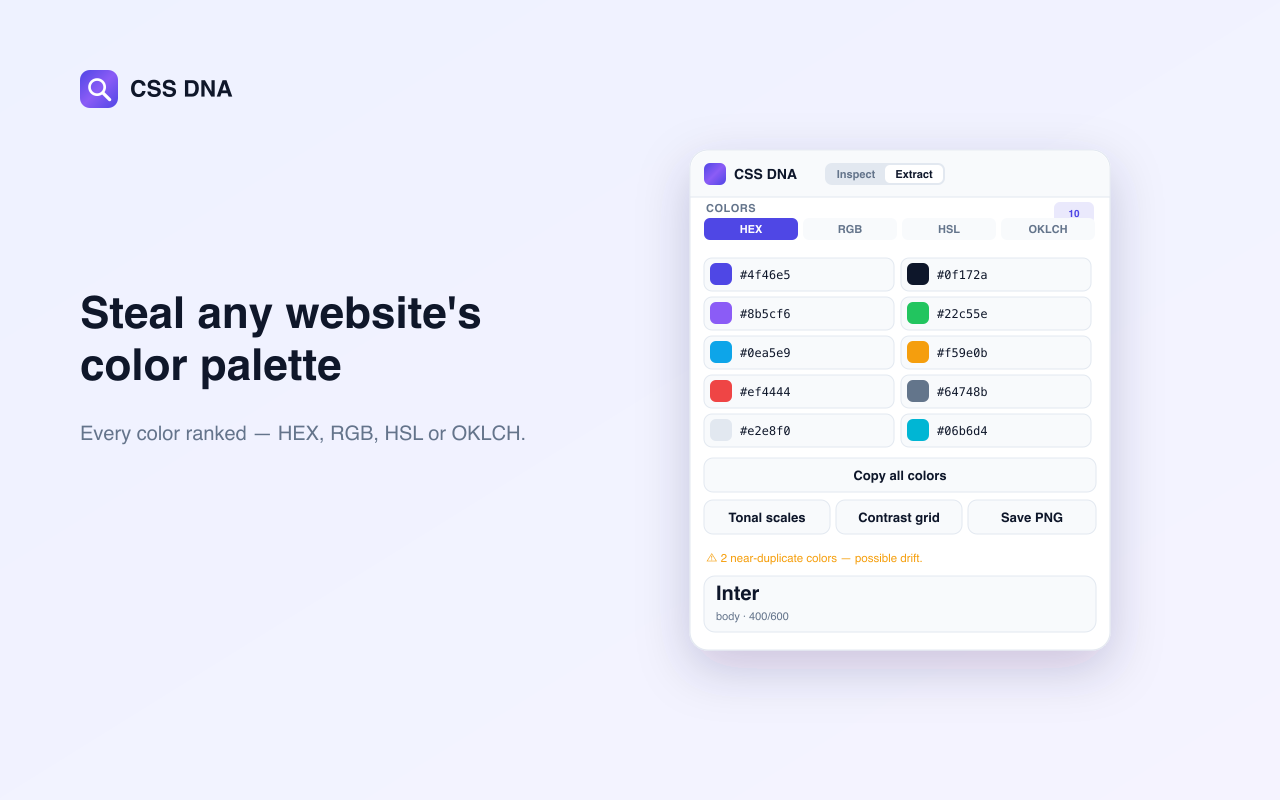
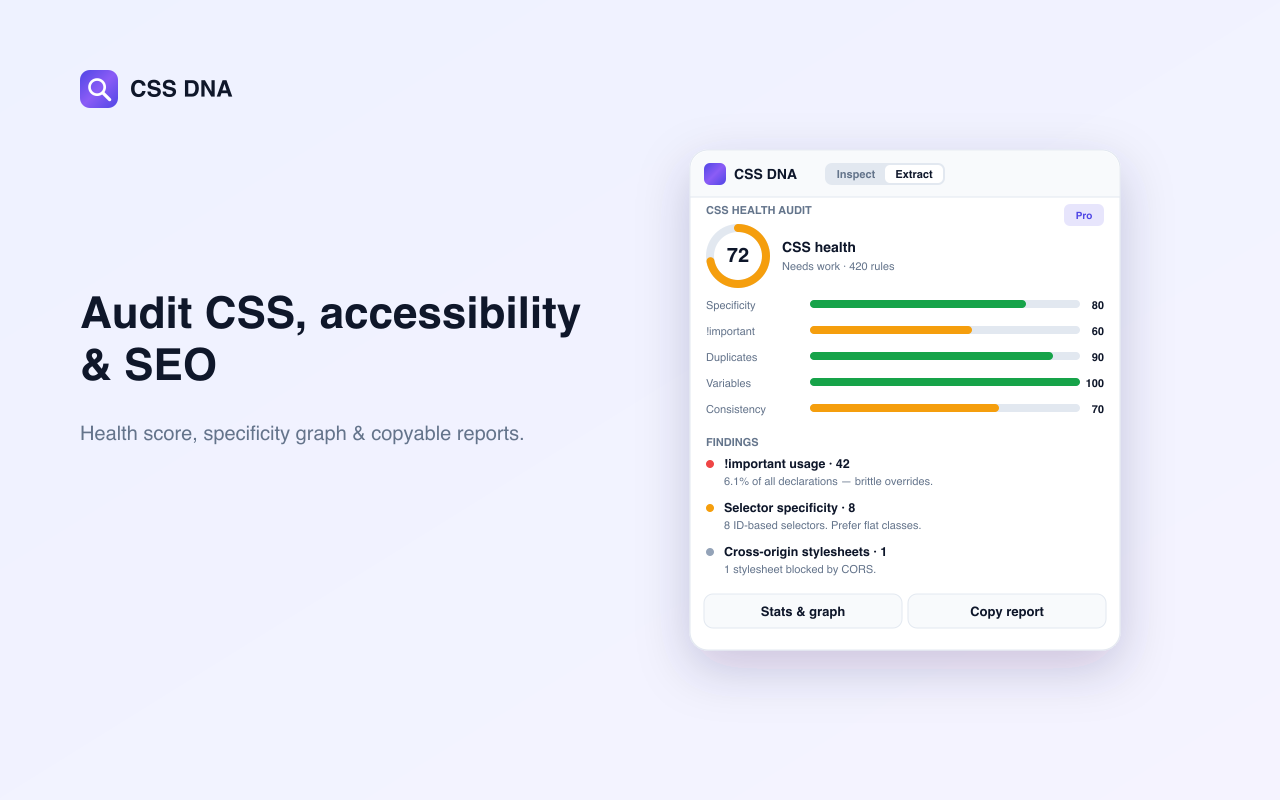
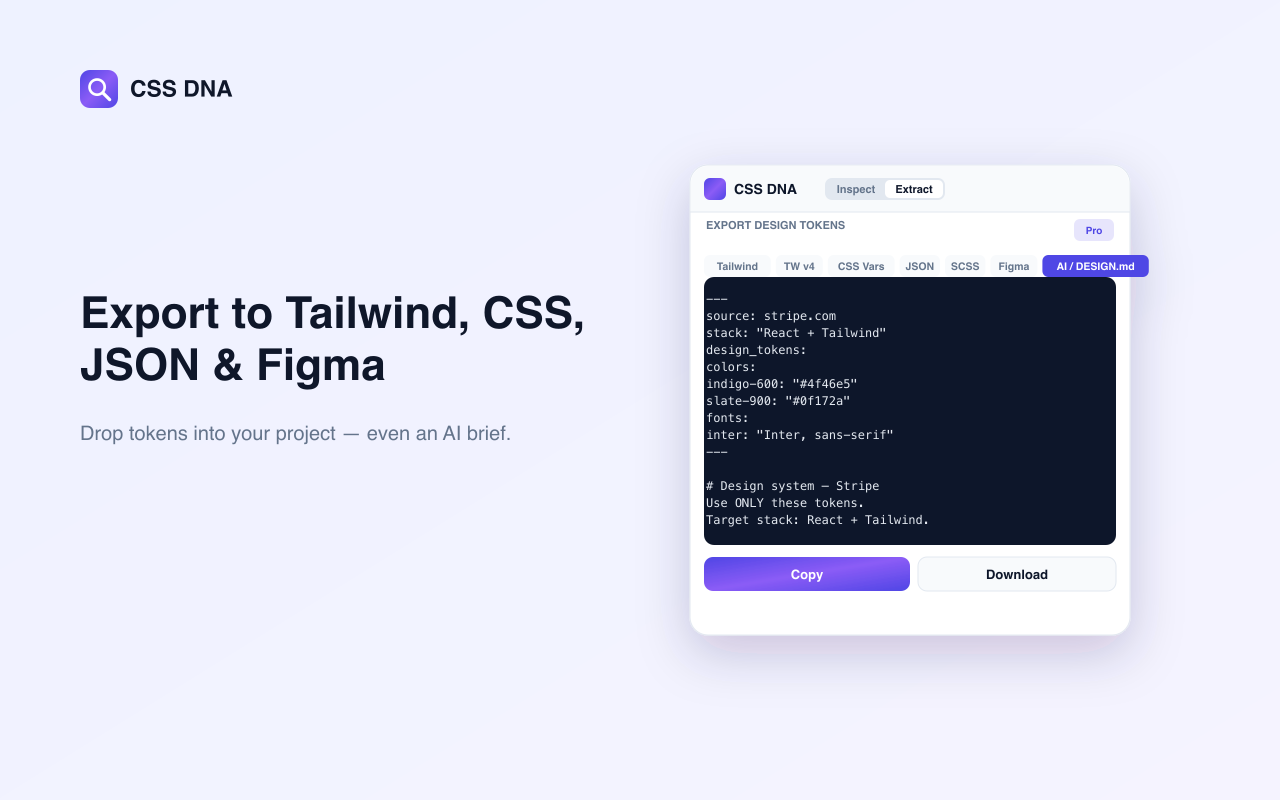
Inspecting elements, the eyedropper, the ranked color palette and the full design-system preview are free forever. Pro ($5/mo) unlocks token exports — Tailwind, CSS, JSON, SCSS and Figma — plus the AI / DESIGN.md brief, component capture, the CSS health audit and site comparison.
Which browsers are supported?
+
Any Chromium browser — Chrome, Edge, Brave and Arc. A Firefox build is on the way.
Do I need an account?
+
No. Install and go. Pro unlocks when you verify the email you paid with. Still no account.
How do I extract design tokens from a website?
+
Add CSS DNA to Chrome, open any website and click Extract. It scans the rendered page and returns colors, fonts, type scale, spacing, shadows and gradients as design tokens, then exports them to Tailwind, CSS, SCSS, JSON or Figma in one click. Read the full guide →
Can I export CSS to Figma?
+
Yes. CSS DNA exports the extracted design system as Figma and W3C design tokens, so colors, type and spacing drop straight into your Figma variables. You can also export the same tokens to Tailwind, CSS variables, SCSS or JSON for your codebase.
Does it work without opening DevTools?
+
Yes. CSS DNA never needs DevTools. Click the toolbar icon, then click any element to copy its CSS or scan the whole page to extract tokens. It reads live computed styles, so it works even on minified CSS and framework-generated class names.
How do I find what font a website uses?
+
Open DevTools, check the Computed tab and scroll to Rendered Fonts — that names the typeface the browser actually drew. CSS DNA does the whole page at once: every family, the weights really in use, and the complete type-size scale. Five ways to identify any site's fonts →
Is CSS DNA a good CSS Peeper alternative?
+
It covers a wider scope. CSS Peeper reads one element and downloads image assets; CSS DNA reads the whole page's design system and exports it as Tailwind, CSS variables, SCSS, JSON or Figma tokens. The free tier includes element inspection, the eyedropper and the ranked palette. CSS Peeper alternatives compared →
What's the difference between WCAG and APCA contrast?
+
WCAG 2 uses a fixed contrast ratio (like 4.5:1) for AA and AAA. APCA, the WCAG 3 draft model, weights contrast by text size, weight and polarity for more accurate readability. CSS DNA reports both so you can audit against current and upcoming standards. WCAG vs APCA, explained →